

RowHQ
AvailableRowing club management software: boat bookings, crews, sessions and member records.
Sports clubs
See the duty gaps before race day.
SailHQ is sailing club management software for duty rotas, boats, membership and race programmes. Committees and volunteers can organise the shore-side work that makes a day on the water possible.
Available in your browser
Key features
SailHQ in practice
An open galley duty, a member who volunteers and a change of plan. Watch the club arrange a replacement in SailHQ.
The organiser can see the role, its time and the member assigned to it. This screen shows the covered duty at the end of the example.
Anna takes the open galley duty for the autumn sailing Sunday. The duty then appears on her own rota.
Anna asks Ben to cover her duty. Ben accepts the request. The club requires an organiser to approve the change.
The organiser approves the accepted swap. Ben appears on the sailing-day rota and the club has a record of the change.
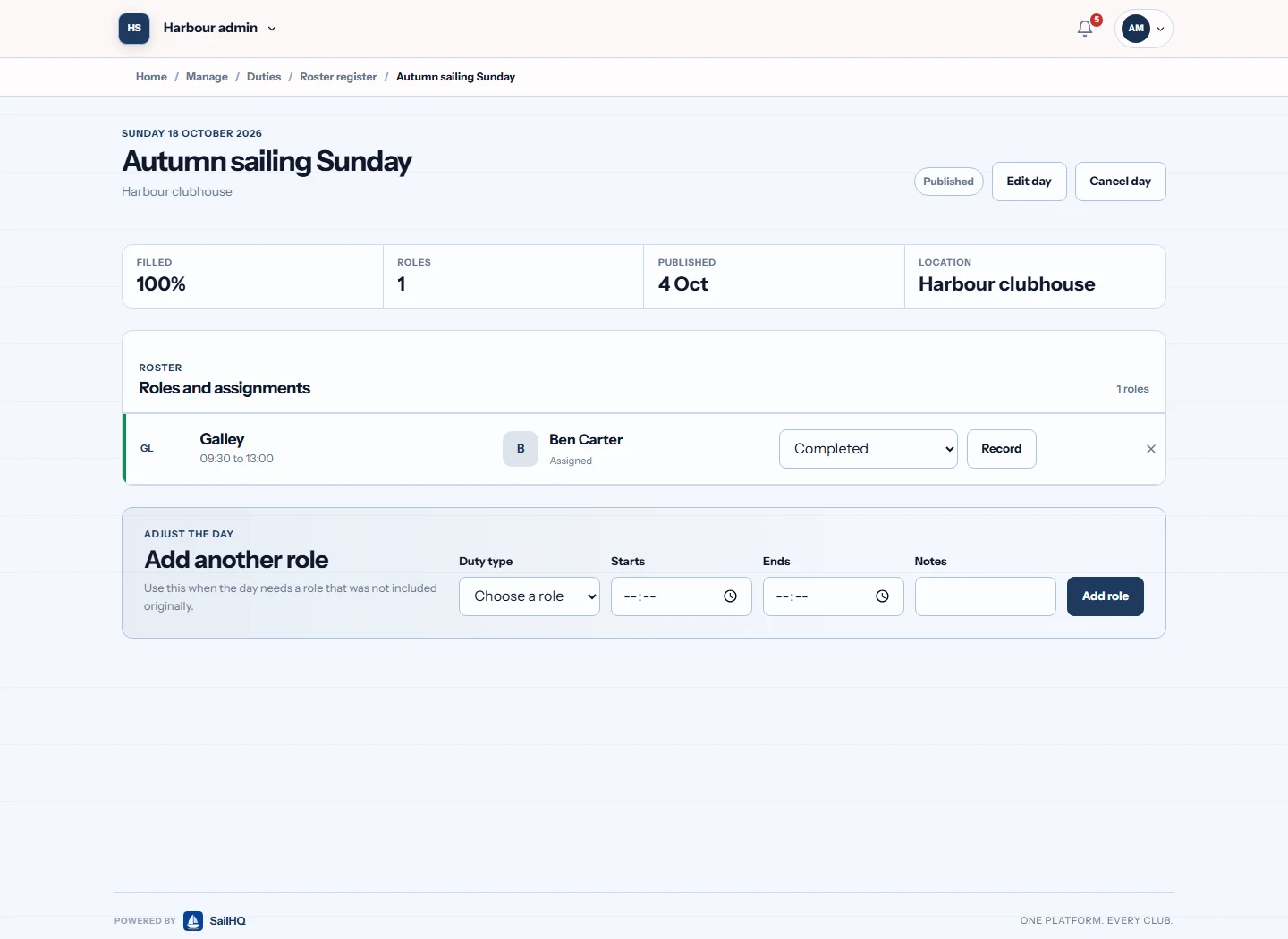
The film introduces the fictional Harbour club. At 00:04, the open galley duty appears and Anna takes it. At 00:14, Anna requests a swap with Ben. At 00:26, the organiser reviews the accepted request and approves it. The final rota shows Ben covering the duty. The film ends with the SailHQ website.
Your club sets which roles members can take and whether swaps need approval. This example uses an approval step. The film uses fictional members and records.
Inside SailHQ
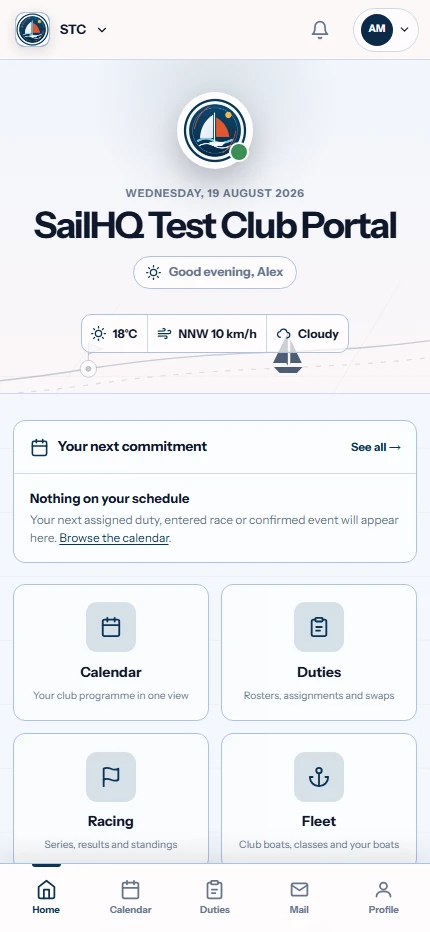
The organiser needs to see uncovered roles. The member needs to see their commitment and what to do when plans change. SailHQ gives each a view of the same rota, alongside the boats and club programme.
See the SailHQ gallery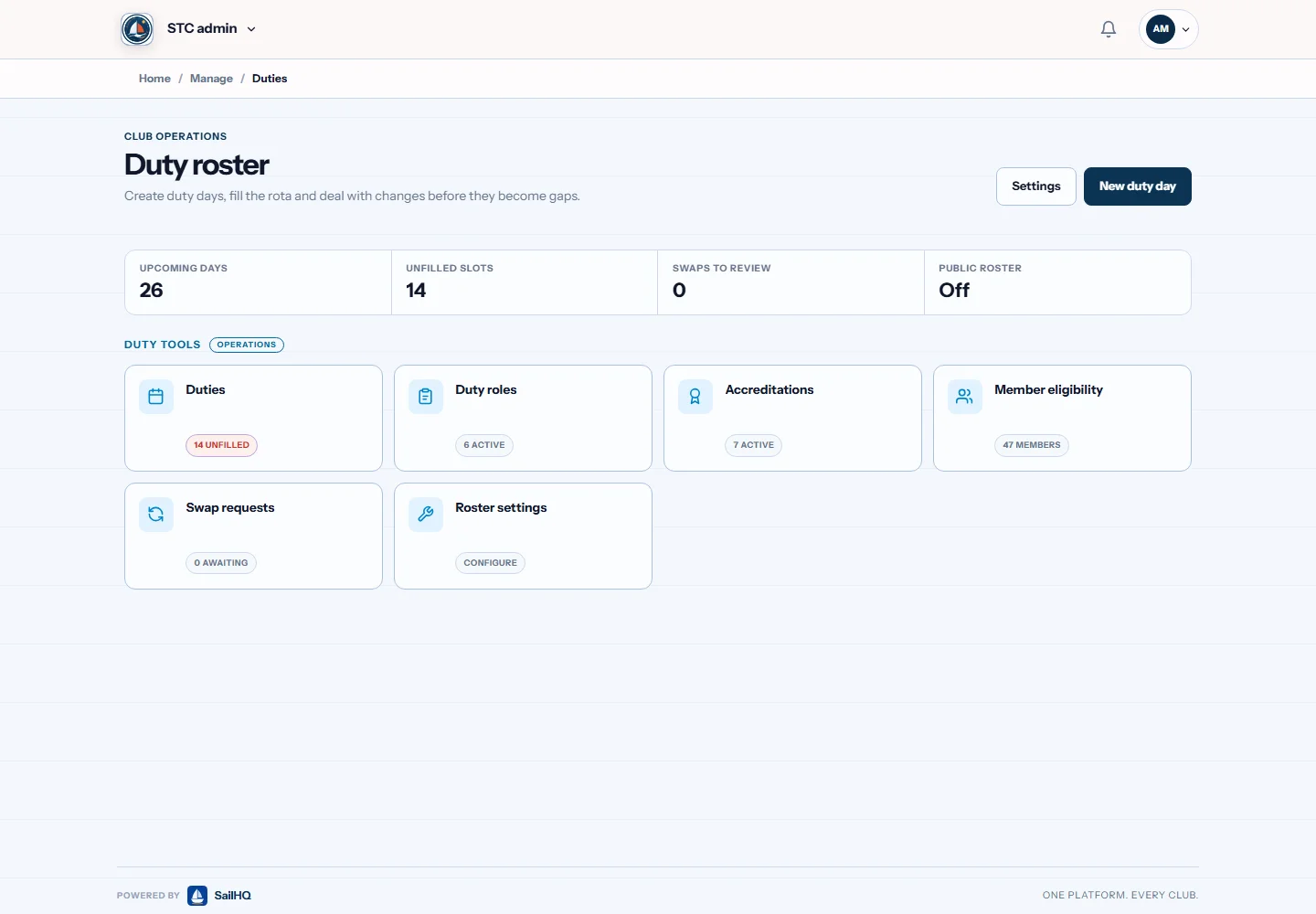
The thinking behind it
The sailing calendar is only part of organising a club. Someone must cover the safety boat, members need to know their duties and the committee needs a current member database. We focus SailHQ on that volunteer administration, with sailing-specific duties and boat information alongside membership, communications and events.
A closer look
Arrange roles such as race officer, safety boat crew, galley and results duties. Qualification-aware assignments help organisers see which members fit a role. Members can request named or open swaps, with approval where configured, while organisers manage exemptions and choose which email reminders go out before duties and events.
Membership records include categories, subscriptions, renewal reminders and household or junior details. Qualification records and expiry dates give volunteers information to use when organising activities. Members can maintain their own details, with roles and permissions controlling the administration they can access.
Race series templates support recurring events without rebuilding each date individually. The calendar can also hold training, socials and work parties. Organisers can mark events cancelled, postponed or complete so members can distinguish the current plan from an old fixture list.
Keep boat classes, sail numbers and storage information with the club's records. Documents such as sailing instructions and policies can be made available to the appropriate members. Race scoring remains a separate job: SailHQ does not calculate handicap results or season leaderboards.
In practice
An example of using SailHQ for the organisation around racing.
Add the race or series dates and the duties needed to run each event.
Assign members using qualification information and the club's duty arrangements.
Review swap requests and update the event when plans change.
Is it right for your club?
Bring the race secretary and a member who regularly swaps duties. Test the awkward parts of your current rota as well as the normal club day.

Open your club portal on your phone, tablet or desktop. Keep duties, dates and member information close to hand.
Put race officer, safety boat and galley roles into the rota. Check how an organiser spots a gap.
Follow an open or named swap request and the approval rules your club would use.
Review the boat record, availability and relevant qualifications before allocating it.
Put the race series beside training and social events. Check the view members open on their phones.
Before you get started
No. Handicap scoring and season leaderboards are not part of the current product. Keep your dedicated scoring tools for that work. SailHQ covers the calendar, people, duties and club administration around it.
It can record membership payment status and track renewals. Live card charging and Direct Debit collection are not built. Clubs should retain their existing payment arrangements rather than assume a payment collection service is included.
The administration screens for newsletters and broadcast push messages are still being built. They should not be treated as available club tools. Visit SailHQ to discuss current access and the specific features your committee needs.
Explore SailHQ
See the current features and pricing, then talk to the SailHQ team about access. Your club’s account and commercial terms belong to the individual product.
Your next step
Rowing club management software: boat bookings, crews, sessions and member records.
Sports clubs
Membership, craft, sessions and trip records for canoe and kayak clubs.
Sports clubs
Club software being built around gliding operations.
Sports clubs