
RowHQ
AvailableRowing club management software: boat bookings, crews, sessions and member records.
Sports clubs
Plan the paddle. Keep the return with it.
KanuHQ is canoe club management software for canoe and kayak clubs. Membership, qualifications, craft, sessions, trip records and club documents sit together so leaders and committees can work from the same information.
Available in your browser
Key features
KanuHQ in practice
Follow a two-person club paddle in KanuHQ. Build the float plan, reserve craft and kit, record the leader's checks and reconcile the return.
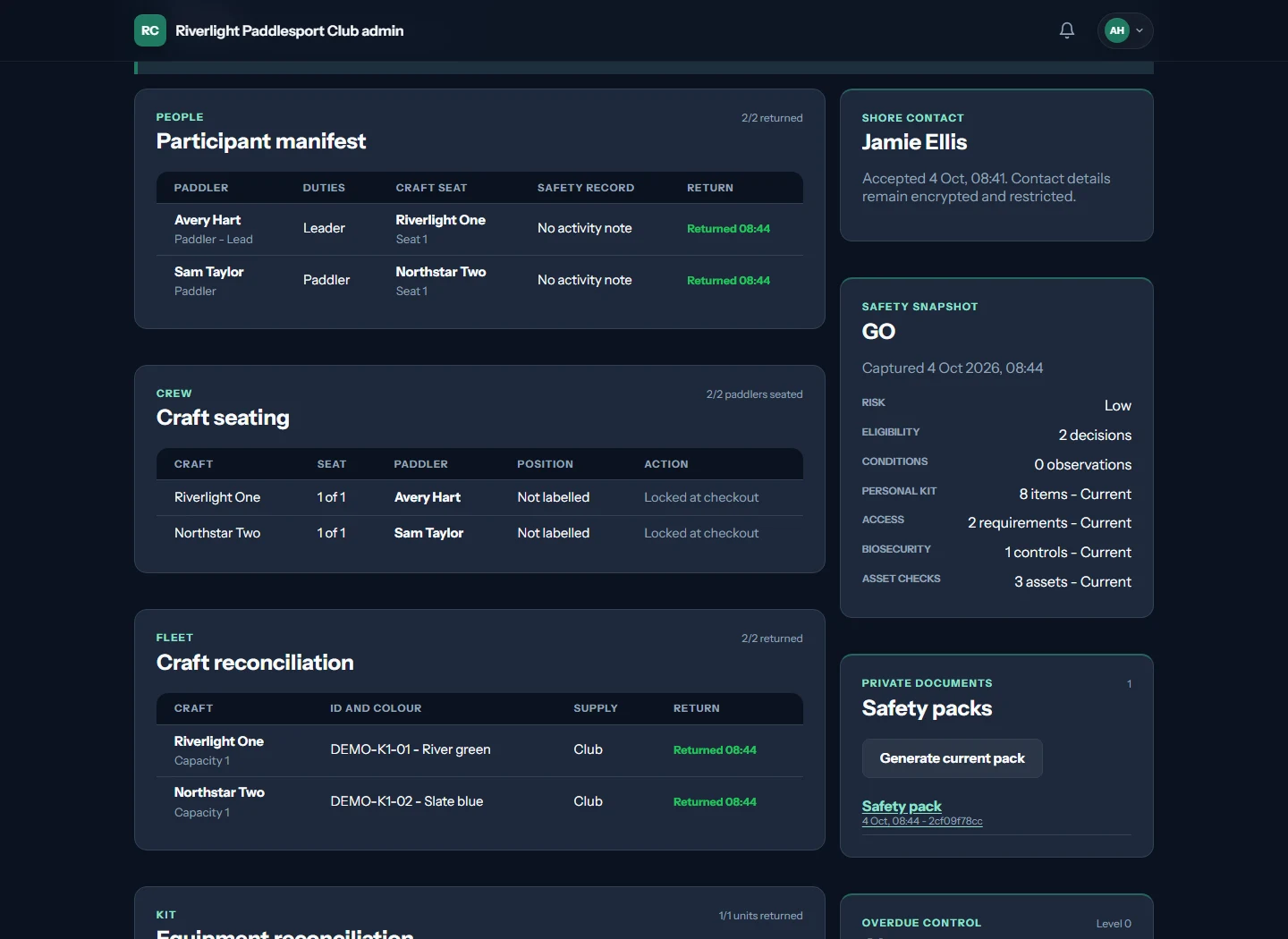
The manifest records each paddler's return. Craft and equipment have their own return records so the leader can check what is back.
Set the route, launch time and expected return. Add the paddlers and reserve the club craft and kit for the trip.
The leader checks the group, equipment and conditions at the water's edge. Record a current readiness check, then the leader's go or no-go decision.
Mark Avery and Sam back, then record the returned craft and kit. The trip closes when all recorded paddlers and assets have returned.
The film introduces the fictional Riverlight club. At 00:04, the leader builds a float plan and selects craft and kit. At 00:14, the crew seats and water-edge readiness appear, followed by the leader's recorded go decision. At 00:26, the manifest and asset return records show everyone and everything back. The film ends with the KanuHQ website.
The leader checks conditions and makes the launch decision. KanuHQ records that decision and the return of paddlers, craft and kit. Software does not guarantee safety. The film uses fictional members and records.
Inside KanuHQ
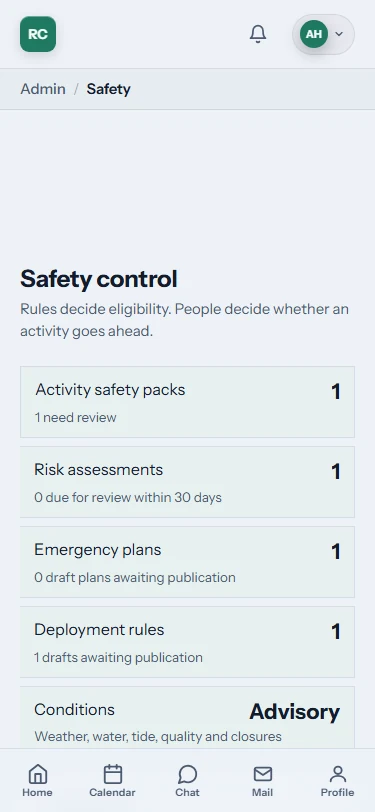
A secretary needs to find the member record. A trip leader needs the people, craft and current checks for an activity. KanuHQ connects those jobs. Its gallery lets you inspect the working product on desktop and mobile, with labelled sample records.
See the KanuHQ gallery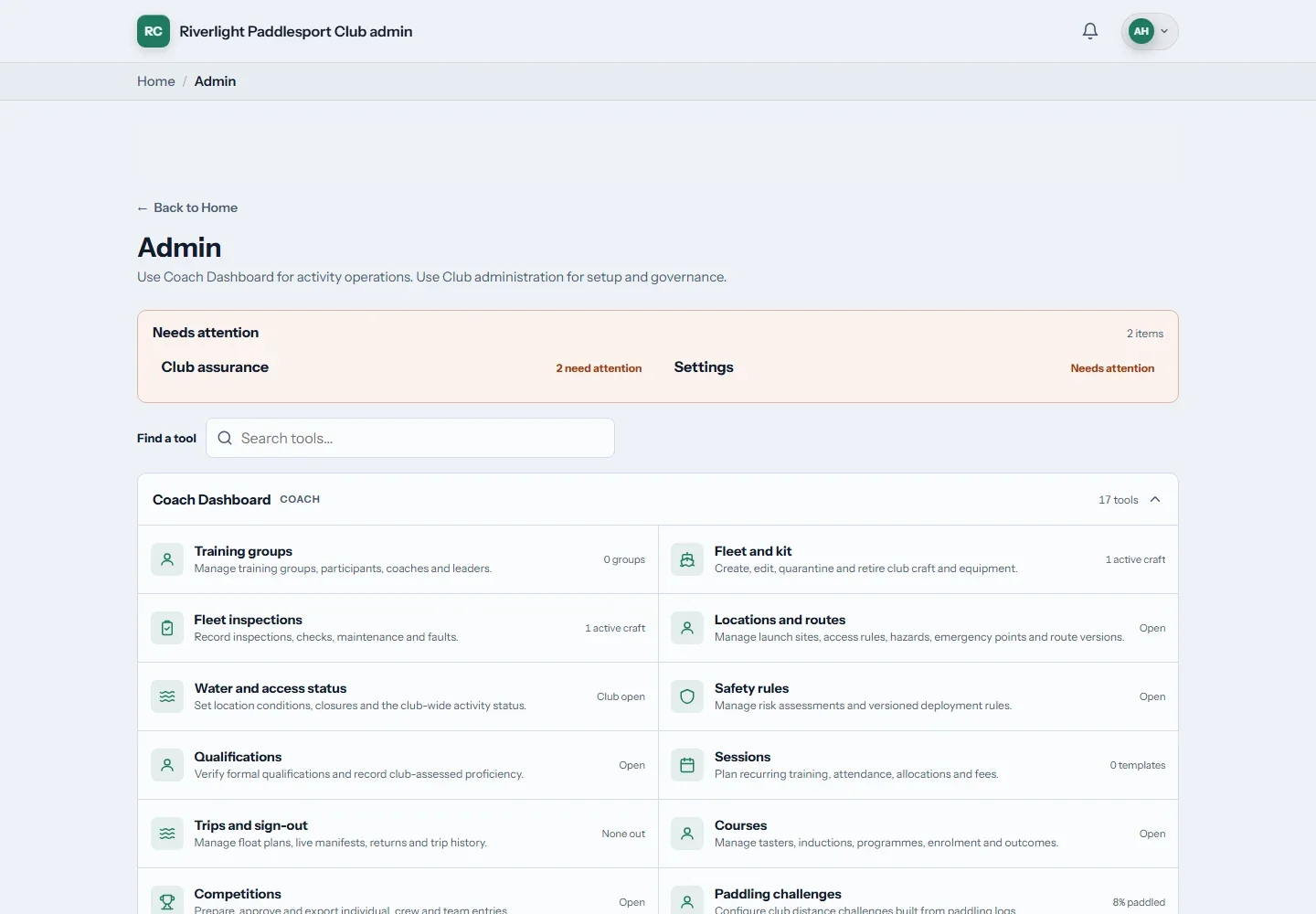
The thinking behind it
A club paddle brings together people with different experience, equipment that needs checking and a trip someone must organise. We built KanuHQ around that mix. It connects membership and qualifications with sessions, trips and kit records, so a canoe club can use its information where the activity happens instead of in a spreadsheet and a group chat.
A closer look
Manage membership applications, renewals, roles and qualifications in the club's records. Organisers can refer to that information while preparing an activity instead of maintaining a separate list for every trip. Access reflects club responsibilities rather than making all administration available to everyone.
Sessions and trips bring together attendance, places, routes, craft and equipment. A launch list gives organisers a view of who is taking part, with return information recorded as the activity finishes. Conditions, plans and evidence support the responsible leader's judgement; they do not replace it.
Fleet and kit records cover availability, bookings, inspections and reported faults. Maintenance and return-to-service evidence help the club keep track of what has happened to an item. That makes a defect part of the equipment's record rather than a message someone has to remember to pass on.
Course enrolments and training outcomes, competition preparation and annual club evidence draw on the same membership records, as do payments, events, club communications and private documents such as policies. Officer records and policy reviews support club administration. KanuHQ does not replace Paddle UK's national membership or affiliation arrangements.
In practice
One example of how membership, trips and equipment meet in KanuHQ.
Set out the session or trip, places and route, then collect attendance.
Review participants, relevant qualifications, craft and kit with the activity plan.
Update return information and report any equipment faults for the club to follow up.
Is it right for your club?
A membership list is only the start. Take one familiar club activity through these checks with your leaders and committee.
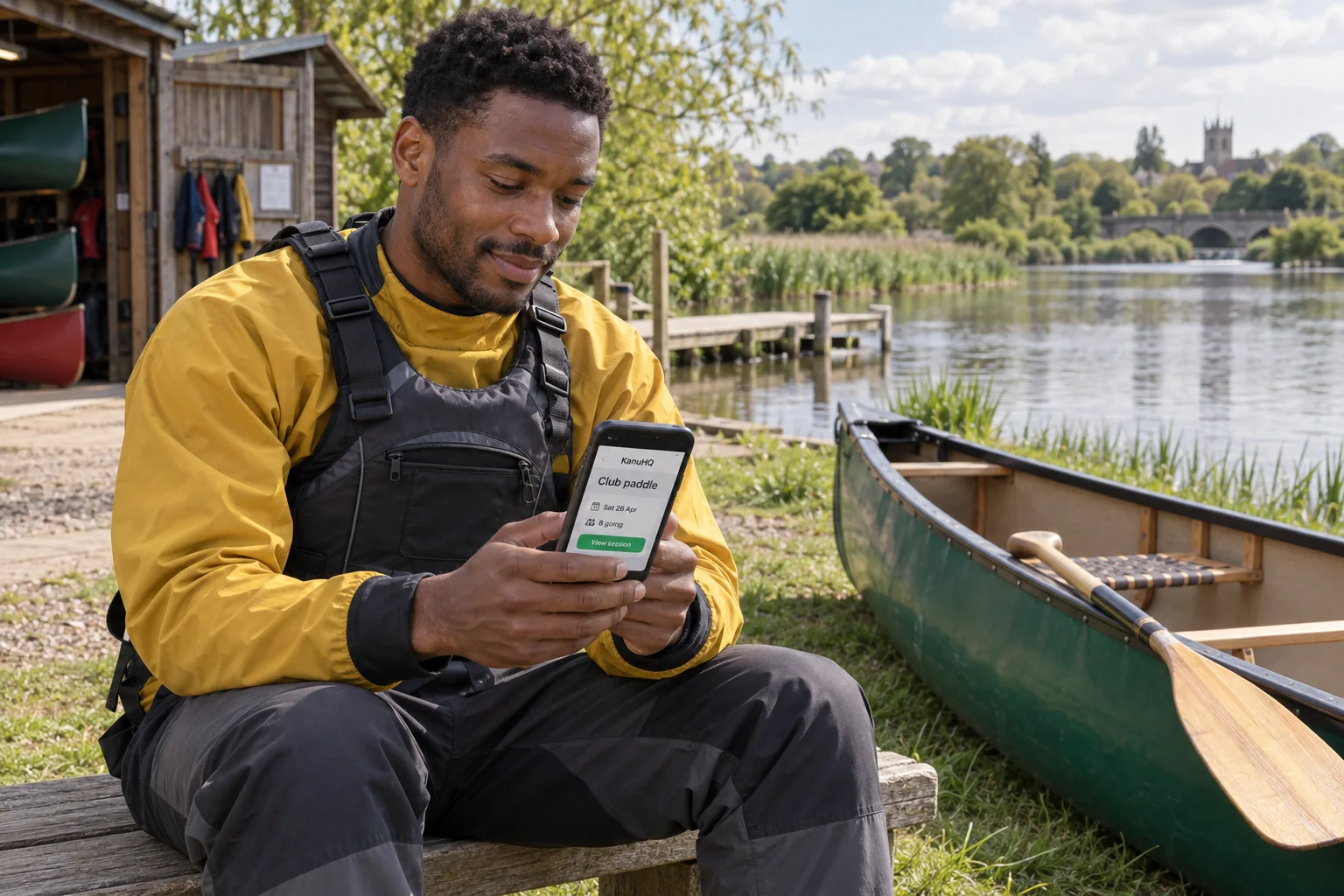
Use the same club records at home and at the water. Open KanuHQ in your phone browser when preparing a paddle.
Find the membership status, roles and qualification evidence your organiser needs to review.
Check bookings, inspections and faults for a canoe or kayak. Look at who can update the equipment record.
Review the route, current conditions and relevant evidence. The responsible leader makes the decision to launch.
Follow the trip list through the return. Check how people, assets and any reported issues remain accounted for.
Before you get started
No. It organises information for the people responsible for the activity. Leaders must make their own decisions using the conditions, participants and club procedures. A record or readiness view is not permission to launch.
No. The product is presented around starting with a club job, such as membership, trips or equipment, then adding other areas when useful. Discuss your starting point through KanuHQ's own website.
KanuHQ is available through a browser on a phone, tablet or computer. You do not need a native app to use the browser service. This does not promise offline access or replace your club's arrangements where reception is poor.
Explore KanuHQ
Open the real product tour or request a walkthrough. Start with the club job your volunteers need help with, then check the current plans and setup options.
Your next step
Rowing club management software: boat bookings, crews, sessions and member records.
Sports clubs
Duties, boats, members and race programmes for sailing clubs.
Sports clubs
Club software being built around gliding operations.
Sports clubs